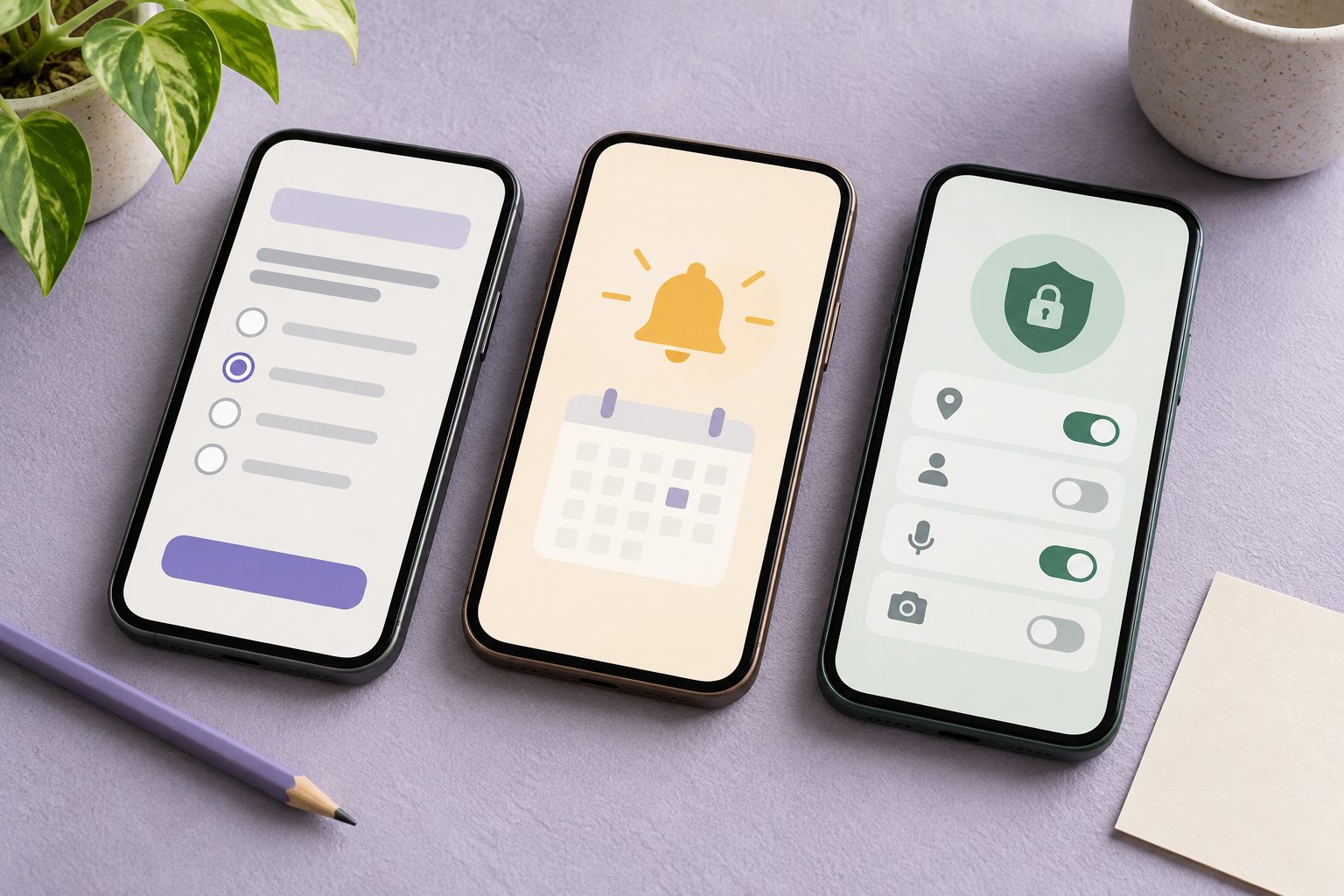
Choose a survey app around the tasks you want, the market you live in and the information you are willing to share. A native app, a mobile-friendly website and an ongoing measurement program are different products. Check an official download route and current terms before treating an old best-app list as a shortlist.
Start with the kind of participation you want
Decide whether you want questionnaires, purchase scanning, community polls or ongoing activity measurement. These can appear together on reward lists but involve different commitments. An app that runs quietly in the background may collect more continuous information than a questionnaire you choose to open. Convenience alone is not enough to compare those models.
Write down the country, phone operating system, reward type and collection model you would accept. Then check the provider's own download route and the listing available in your actual store region. Do not install a similarly named app simply because its icon resembles a panel you recognize. Public web research does not establish that your device or account is eligible.
- Compare passive-app collection models separately
Read the historical list as fourteen leads, not a current ranking
The reference headline says fifteen apps, but its visible numbered list ends at fourteen. It names Survey Junkie, YouGov, Pinecone Research, LEO, Swagbucks, Marketagent, Ipsos, PaidViewpoint, NCPMobile, MobileXpression, MOBROG, Toluna Influencers, QuickThoughts and MyPoints. This guide preserves those leads without inventing a fifteenth entry or repeating their old bonuses and withdrawal limits.
The list also mixes ordinary questionnaires with other collection models. Each candidate needs its own current eligibility, download and reward check. Mevumo has not installed or logged into all fourteen apps. A historical listing is useful for discovering names, while a present recommendation needs evidence about the particular product and region you can actually use.
Use LEO to compare native access with actual study availability
LEO's current application page offers iOS and Android access for phones and tablets. Its FAQ limits panel membership to Canadian and US residents, with age and consent conditions. That differs from the reference's broad worldwide-access wording. An app-store download and permission to join a research panel answer different questions.
The FAQ also says some partner surveys are unavailable in the app because they are not adapted for it, while existing members use the same account on app and web. Switching to an app therefore does not necessarily reveal every study. Before installing, decide whether easier mobile access solves your actual problem or simply moves the same account onto another screen.
Compare invitation delivery with continuous data collection
YouGov's current help lists email, its app and the account dashboard as invitation channels after the introductory survey. Having an app can change how you notice an invitation; it does not establish how many studies you will receive or whether a specific one remains open. Resolve activation or delivery issues before assuming another installation will create work.
Survey Junkie's participation page separately describes answering research questions and choosing Surf to Earn, which shares digital activity. That distinction matters more than whether both options appear in one app. Read what each opt-in collects, how to stop it and what happens to rewards when participation changes. Do not accept additional collection solely because it sits beside a familiar survey button.
Compare useful rewards with the full effort
Inspect today's local reward catalog, minimum denomination, approval conditions and delivery process. A low displayed threshold is not the same as a successful withdrawal. Keep screening time, incomplete offers and support time in your comparison, and separate a paid shopping trial from a survey that has no purchase requirement.
For a hypothetical comparison, an app yielding $3 of usable value after an hour of active effort offers a different result from one showing $5 still pending. Neither number predicts future invitations. Record approved value, any required spending and payment actually received separately. Skip a reward type you cannot use even when its advertised face value looks larger.
Test one suitable app and review what changed
Begin with one service whose current local requirements you understand. Check the developer and official download destination, review permissions and choose notification settings deliberately. Avoid starting several new accounts at once: it becomes harder to attribute messages, tracking requests or missing credits to the activity that produced them.
After a bounded trial, compare the convenience, suitable studies, data sharing and usable value with your original needs. Keep unresolved credit or account checks marked pending and use official support. Mevumo reports no installation, device compatibility test or personal payout for this guide. The cover uses invented abstract screens to illustrate comparison criteria, not real provider interfaces.
Sources and further reading
- SurveyPolice: historical app list with fourteen numbered entries, updated February 2025
- LEO: current official mobile application page
- LEO: membership and app-versus-web FAQ
- YouGov: documented invitation channels, February 2026
- Survey Junkie: questionnaire and digital-activity participation choices
Provider terms and availability can change. This guide does not report a personal payout test.
Join the conversation
No reader comments have been published on this article yet. Log in to check community access.